Stop nagging. Kids' chores, routines and rewards on a star chart that updates itself.
Turn chores and daily routines into points that add up to rewards you choose. Award points for the good behaviour that never fits a checklist too. No account. No sign-up.
You’ll land on “Family Star”. That’s us. We’ve renamed to Family Buddy, and the App Store listing is still catching up.
No account needed · Works offline · We never see your family's data
Start free: one child, one daily routine, rewards you set.
A banner ad supports the free version. Premium removes it.
Less to remember. Less to negotiate.
No complicated setup. Just routines, points, and rewards. The modern star chart for home.
Chores and habits in one place
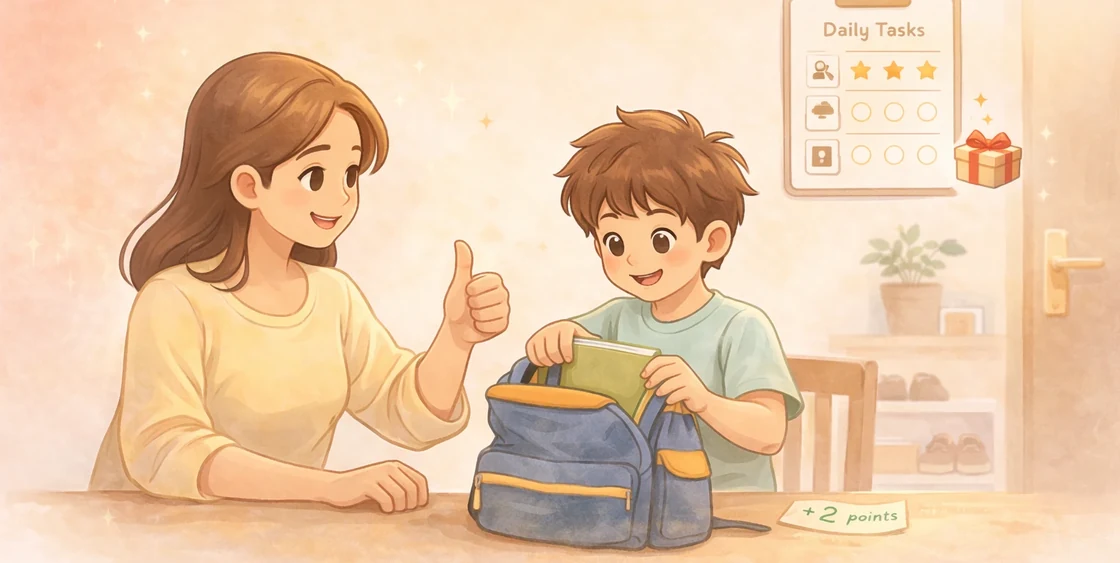
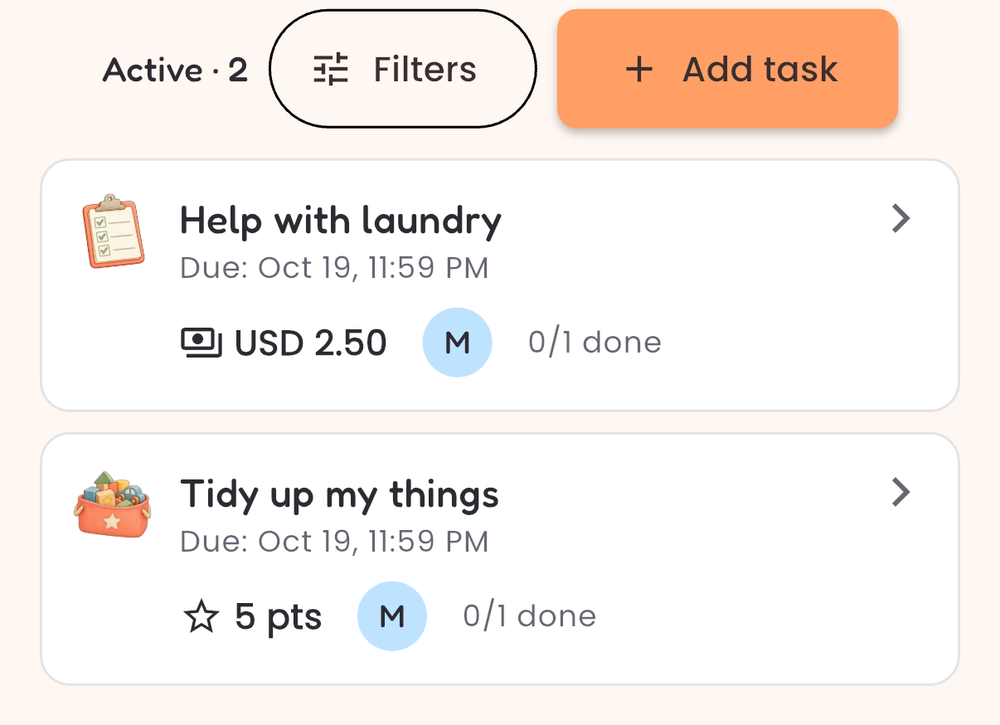
Set up routines like homework, reading, brushing teeth, packing school bags, or helping with dishes. Check off tasks and keep it consistent.
Points that motivate
Assign points to tasks, and award extra points anytime for good behaviour. The running total is always right there, and the history means nobody has to remember who earned what.
Flexible rewards
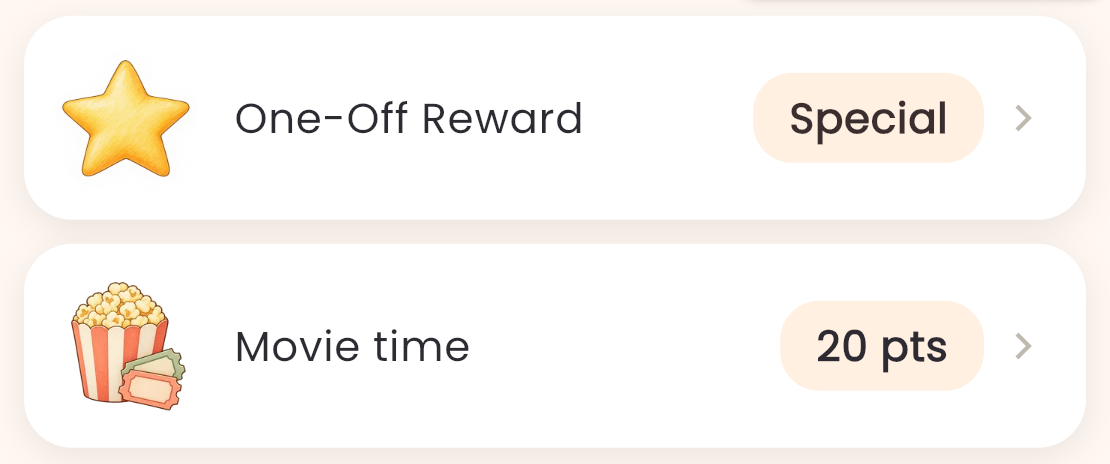
Create rewards that match your family values: screen time, bedtime stories, small treats, or experiences. Hand the reward over when the total gets there.
How it works
Start in minutes and keep it going daily.
Set up
Add your child and pick the routine you want to build.
Track
Kids complete tasks. You award points. Progress becomes visible.
Reward
When the total gets there, hand the reward over.
| Star chart on the fridge | Family Buddy | |
|---|---|---|
| Setting it up | Draw it out. Redraw it when anything changes. | Type it once. It comes back every morning on its own. |
| Rewarding something that isn't on it | There's no box for was kind to her brother. | Tap plus. It doesn't have to be on the list. |
| Week three | Half the stickers are missing and nobody's sure who's ahead. | The running total is right there, and so is every point you gave. |
| When she’s earned it | You made the deal up on the spot, and now she wants a bigger one. | You set what it takes, before anyone asked. |
| Still want it on the fridge? | It only stays current if you keep it current. | Premium prints the day's list and the rewards catalogue. |
Set it up tonight, and tomorrow morning runs itself.
Where does it hurt most?
- Our chart stopped working: the chore chart that keeps itself up to date
- Mornings are the fight: make bed, brush teeth, pack school bag, written down once
- Everything’s a negotiation: rewards agreed before she asks
- It’s on my phone, not the wall: print the list for the fridge
- I lose track of the week: appointments and school trips beside the routine
- I just have a practical question: ads, offline, Android, backups, cancelling
This is the whole app.
Screens show Premium. The free version covers one child and one daily routine.
Get Family Buddy free
Free on iPhone and Android. No account, no sign-up, nothing to cancel.
Why a kids rewards system works
Most parents don't need more parenting theory. You need something that works on busy weekdays, when everyone is tired and you still have to get through homework, dinner, and bedtime. That's where a simple chore chart and habit tracker helps, especially when it is paired with points and rewards, and you can also award points for good behaviour in the moment.
Family Buddy is basically the digital version of a classic star chart, with two upgrades: it's faster to use, and it makes progress obvious. It also lets you reward the "small wins" that don't fit neatly into a task list, like kindness, effort, and a good attitude. Kids respond well when expectations are clear, and when the payoff is consistent. When you turn routines into a game (earn points, save up, redeem rewards), you remove a lot of daily friction. You're no longer negotiating every single task. You're just following a simple system.
What to track as you grow
- Morning routine: make bed, brush teeth, pack bag
- School routine: homework, reading, spelling practice
- Home routine: tidy toys, help with dishes, feed a pet
- Boundaries: screen time limits, bedtime routine, device charging
On the free version, one of these repeats automatically. Pick the one you repeat most, usually the morning list, and set it up once. The others you can add as one-off tasks whenever you need them; there's no limit on those. Premium repeats all of them, so nothing needs re-adding.
The best routines are the ones you can repeat every day without needing extra willpower. Keep tasks small. If you want to build a bigger habit (like "study for 45 minutes"), split it into smaller steps and reward consistency. That's how habits stick.
Picking rewards that don't backfire
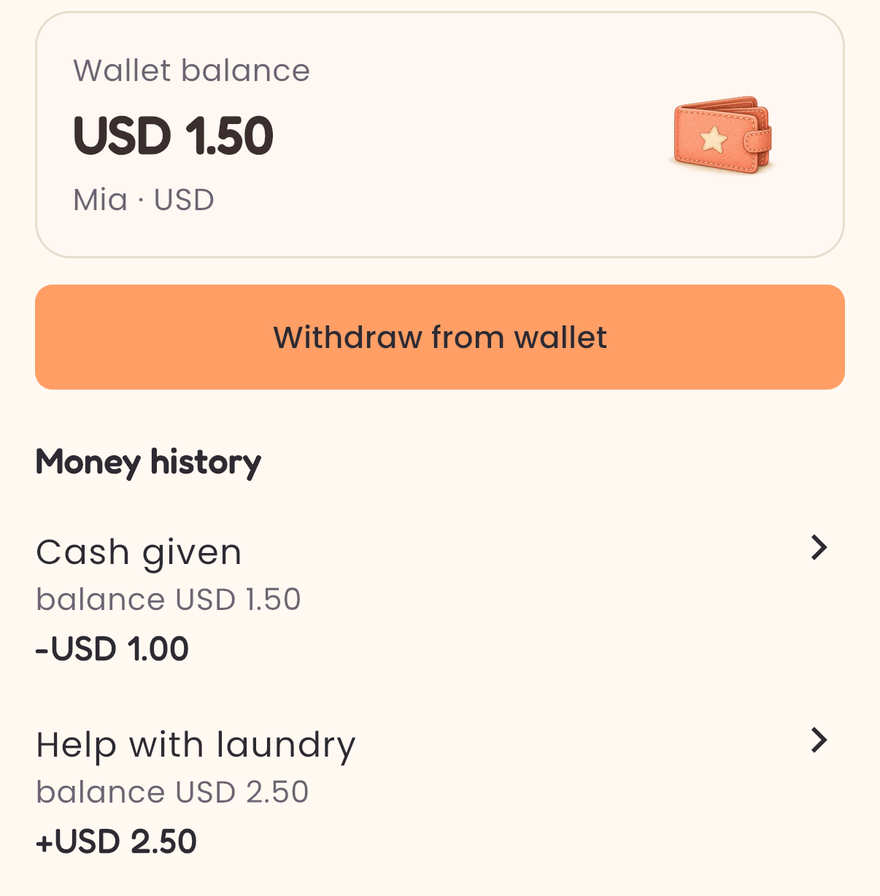
Rewards don't have to be expensive. In fact, "money rewards" can sometimes create more bargaining. The strongest rewards are usually experiences or privileges that fit your family: choosing a movie, extra story time, picking dinner, small treats, or planning a family activity. Make rewards visible so kids know what they are working toward.
If your child loses motivation quickly, the reward is probably too far away. Use a mix of short-term rewards (quick wins) and long-term rewards (bigger goals). Over time, you can reduce the reward frequency once the routine becomes automatic.
Why this helps parents too
A good rewards system isn't only about kids. It helps parents stay consistent. When rules are fuzzy, parents end up repeating themselves, and kids start testing boundaries. When the system is clear, everyone knows what "counts" and what doesn't. You spend less time reminding, and more time enjoying the moments that matter.
No account. No sign-up. We never see your family's data. We don't have a server to put it on.
Nothing for us to receive
Most apps ask you to trust their privacy policy. Family Buddy has no account, no sign-up and no server of ours, so there is nothing for us to receive.
The free version loads ads, and Premium checks your subscription with the app store. Neither of them ever sees your children, tasks, points or rewards.
Frequently asked questions
Is my family data private?
Your children's names, photos, points, tasks and rewards are stored on your device and never sent to us. Family Buddy doesn't require an account and doesn't store family data on any server. The free version shows ads from third-party providers, which may collect limited device data under their own policies. See the privacy policy for full details.
Does my child need a phone to use this?
No. Family Buddy is the parent's app. Your child never needs a device or an account, on any plan. You mark tasks off and award points yourself. With Premium you can also print the daily task list and the rewards catalogue for the fridge, so the routine stays visible all day with no screen involved at all.
What's free, and what needs Premium?
The whole loop is free: add a child, create as many one-off tasks as you like, award and deduct points, build a rewards list, redeem a reward, and see the full history. The free version covers one child and one daily routine, and it shows ads. Premium adds more children, unlimited daily routines, an encrypted backup you can restore on a new phone, printing, custom icons, and removes the ads.
That's everything. No account, no sign-up, nothing to cancel.
Get it free