 Family
Buddy
Family
BuddyHow to help kids do chores without constant reminders
Start with one small routine, agree what done means, and make the next step easy to see.
By the Family Buddy Team
Start with one small chore or routine. Agree what finished looks like, choose a consistent cue and make the steps easy to see. Review the routine together before adding more tasks. A chore app can hold the task list and agreed rewards, while the parent still guides the setup.
Make one task clear
“Get ready” can mean several different things. Choose one action your child can recognise, such as putting shoes by the door. Agree what finished looks like before the busy moment, then practise it together.
Pick a cue you already use: after dinner, before the bedtime story, or when the school bag comes home. A small routine is easier to review than a long list introduced all at once.
An evening routine to try together
This is an illustrative routine, not an app preset. Choose one step first and add another only when it feels manageable.
- Pack tomorrow’s bag: put the things you agreed inside and leave it by the door.
- Put shoes beside the bag so they are easy to find.
- Clear your place at the table after dinner.
Notice honest effort as well as the finished result. If a step is difficult, show it again or make it smaller. The aim is an agreement your family can practise, rather than a promise that reminders will disappear.
Review after a week
Ask what was easy to remember and what kept getting in the way. Move the cue, simplify the task or adjust the reward together. A short routine you keep using is more useful than a complete chart you abandon.
Keep the agreement in Family Buddy
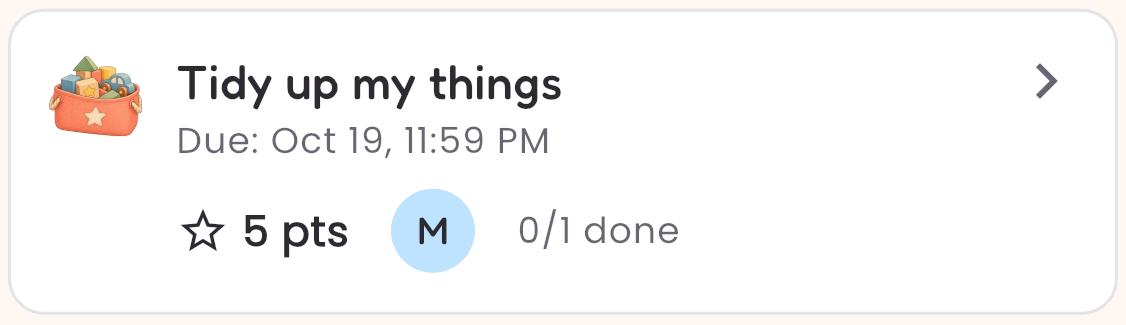
Add one child and one Daily task. Give it a clear name and agree its Points value. You, the parent, record completion and award the Points; your child does not need a separate device.
Free includes one child and one Daily task, plus unlimited one-off tasks, and shows ads. Suspended nonarchived Daily tasks still count towards that Daily limit. Premium adds more children and unlimited Daily tasks.
See a routine in Family Buddy →