 Family Buddy
A kids calendar for the week you’re juggling
The school trip, the dentist, the party on Saturday. Keep your child’s activities and appointments in Family Buddy, alongside the chores and rewards you already manage. See what’s coming up without piecing the week together from memory.
Family Buddy’s kids calendar is a parent-managed schedule for children’s activities and events. Add an event, choose which child it’s for and set its start time. Browse the next seven days in the Schedule tab and see “Coming up today” on the main screen. Optional event reminders go to your phone.
One-off events are free and unlimited. No account or sign-up.
Get Family Buddy free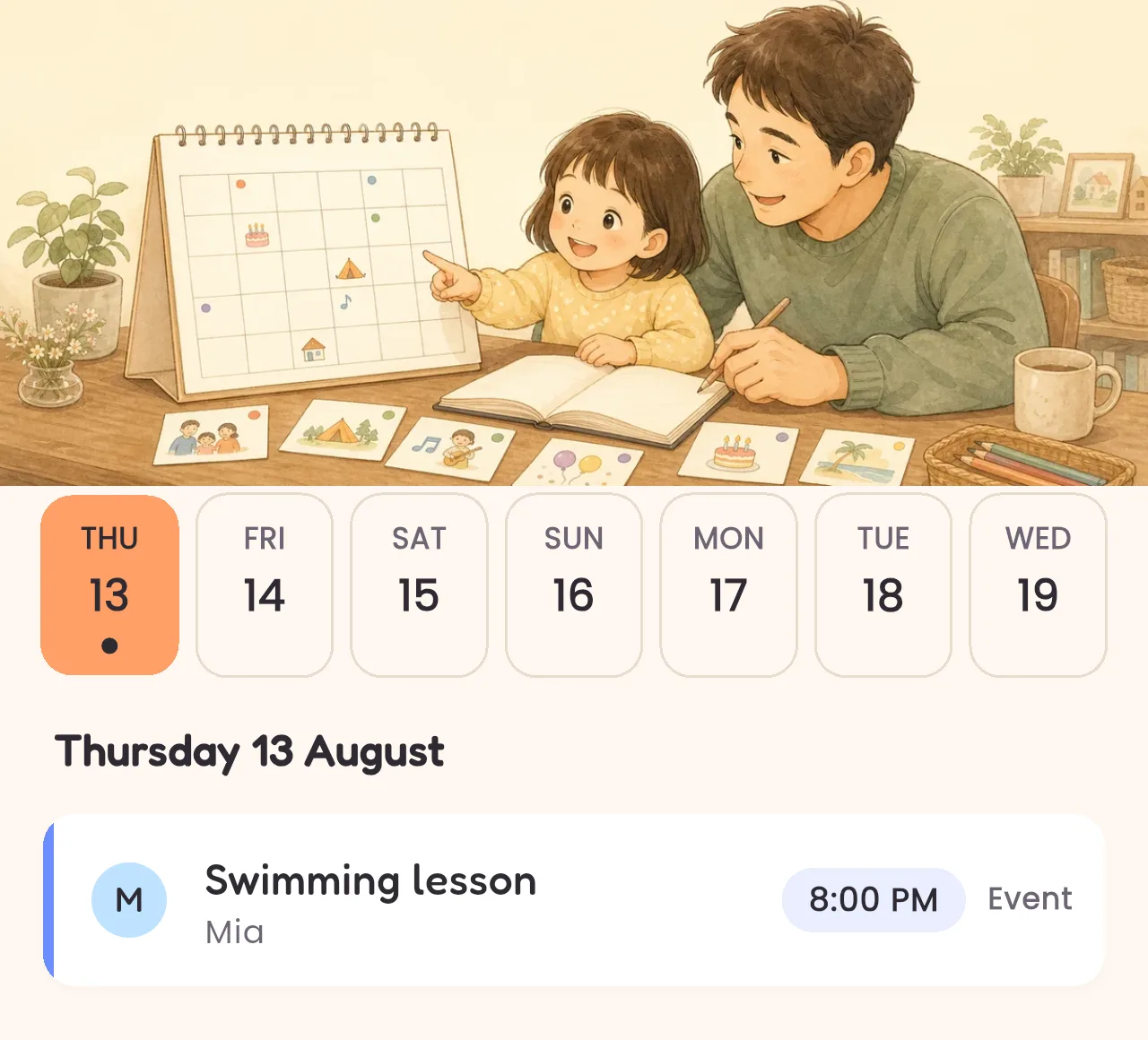
School events, activities and appointments in one kids schedule
An event is a name, the child or children it’s for, and a start time. That’s deliberately small: it isn’t trying to be a work calendar. There’s no location field, no notes field and no end time. Just the thing, who it’s for, and when it starts.
Events sit beside the daily routine rather than inside it. The routine is what happens every day; events are the things that don’t. You see today and the next six days, and what’s coming up today on the main screen.
Start with free events; add weekly repeats with Premium
One-off events are free and unlimited. The dentist, the school trip, the birthday party, the first day of term. Add as many as you have.
Weekly repeats are Premium. If swimming is every Tuesday and piano is every Thursday, setting those to repeat needs Premium. On the free plan you’d add each week’s as its own event. Repeats are weekly only. There’s no monthly or yearly option, so a birthday goes in once a year rather than recurring.
Reminders, if you want them
Any event can carry a reminder a set number of minutes before it starts. It arrives as a notification on your phone, it’s off unless you switch it on, and it’s per event rather than a blanket setting.
It reminds you. Family Buddy is the parent’s app. Your child doesn’t have a device, an account, or anything that could be notified.
Keep the week's plans beside everyday tasks
See your children's school events, activities and appointments alongside the family chore chart. Add one-off events and optional reminders for your phone; weekly recurring events are available with Premium.
Questions about the schedule
What counts as an event?
Anything with a date and a time that isn’t part of the daily routine: a school trip, a dentist appointment, a party, the first swimming lesson. You give it a name, pick which child it’s for, and set when it starts.
Can events repeat every week?
Yes, on Premium. You choose the weekdays and the event comes back on each of them. On the free plan events are one-off. You can add as many as you like, but choosing “repeats weekly” needs Premium. There is no monthly or yearly repeat, so an annual birthday is added as a one-off each year.
Will I get a reminder?
Only if you ask for one. Each event can carry a reminder set a chosen number of minutes before it starts, and it arrives as a notification on your phone. It’s off unless you turn it on, and events you created before reminders existed stay silent. Family Buddy doesn’t notify your child. There’s nothing on their end to notify.
Does my child see the schedule?
Not on a device. Family Buddy is the parent’s app and your child never needs a phone or an account. You can show them what’s coming up on your screen. The printing feature covers the Daily task list and the rewards catalogue. It doesn’t print events.
Is this a shared family calendar?
No, and it’s worth being clear about that. There’s no second adult login, no syncing with another calendar app, and no invitations. It’s a list of what’s coming up for your children, kept alongside their routine and rewards in the app you already use for those.


One-off events are free and unlimited. Weekly repeats need Premium.
Rewards for the things that go well? Agreed before she asks →
New to the whole idea? Start with the chore chart →
Ads, offline use, changing phones? The practical questions →
Family Buddy has no account and no sign-up. How your family data is handled →